
The problem
Home lives in another time zone.
You do the maths before every call, lose count of the days until your flight, and the people and pet you miss only show up in old photos.
Homebird · for when you miss home
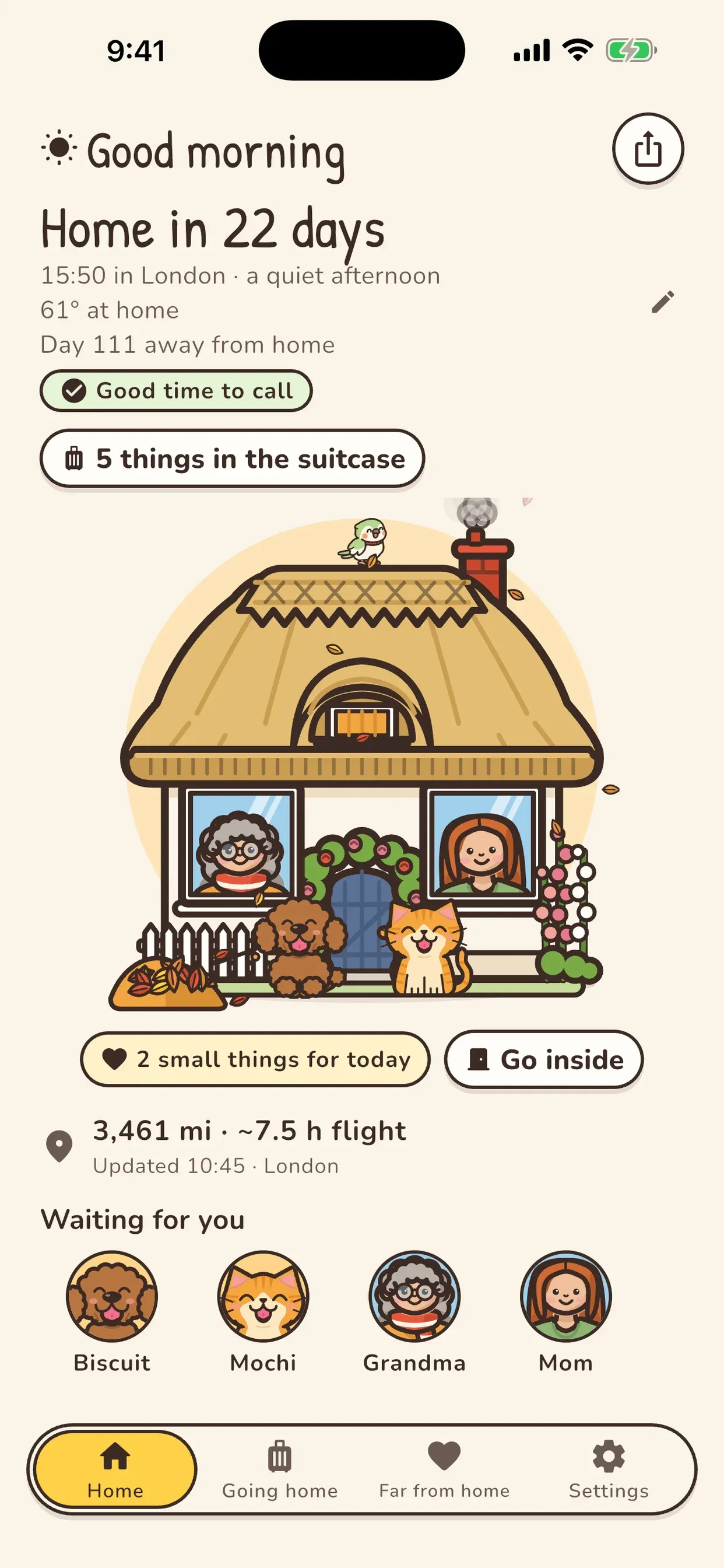
The time at home, the days until you fly back, and who is waiting at the door — on your home screen, in a little house that keeps home’s hours.

Free on Google Play · Android
The problem
You do the maths before every call, lose count of the days until your flight, and the people and pet you miss only show up in old photos.
The Homebird way
Homebird is a home-screen widget and a storybook house for expats, international students and anyone who moved across an ocean or across a country. Set your home once, add who waits there, and the house follows morning, evening and night back home. A cosy companion — not a navigation or tracking tool.
How it works
Widgets for home’s clock and the days to go, a house that looks like yours, a room to step into, and gentle nudges to stay in touch.
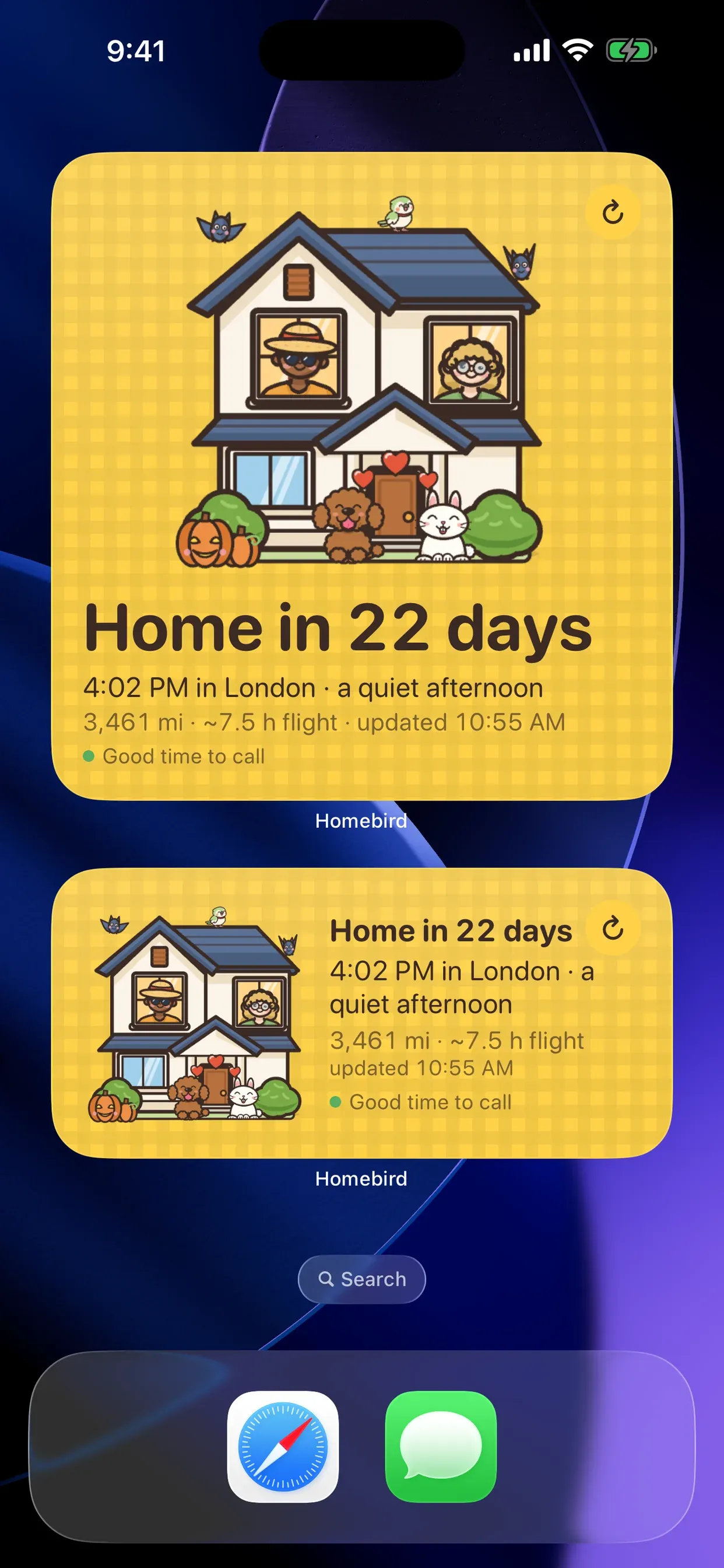
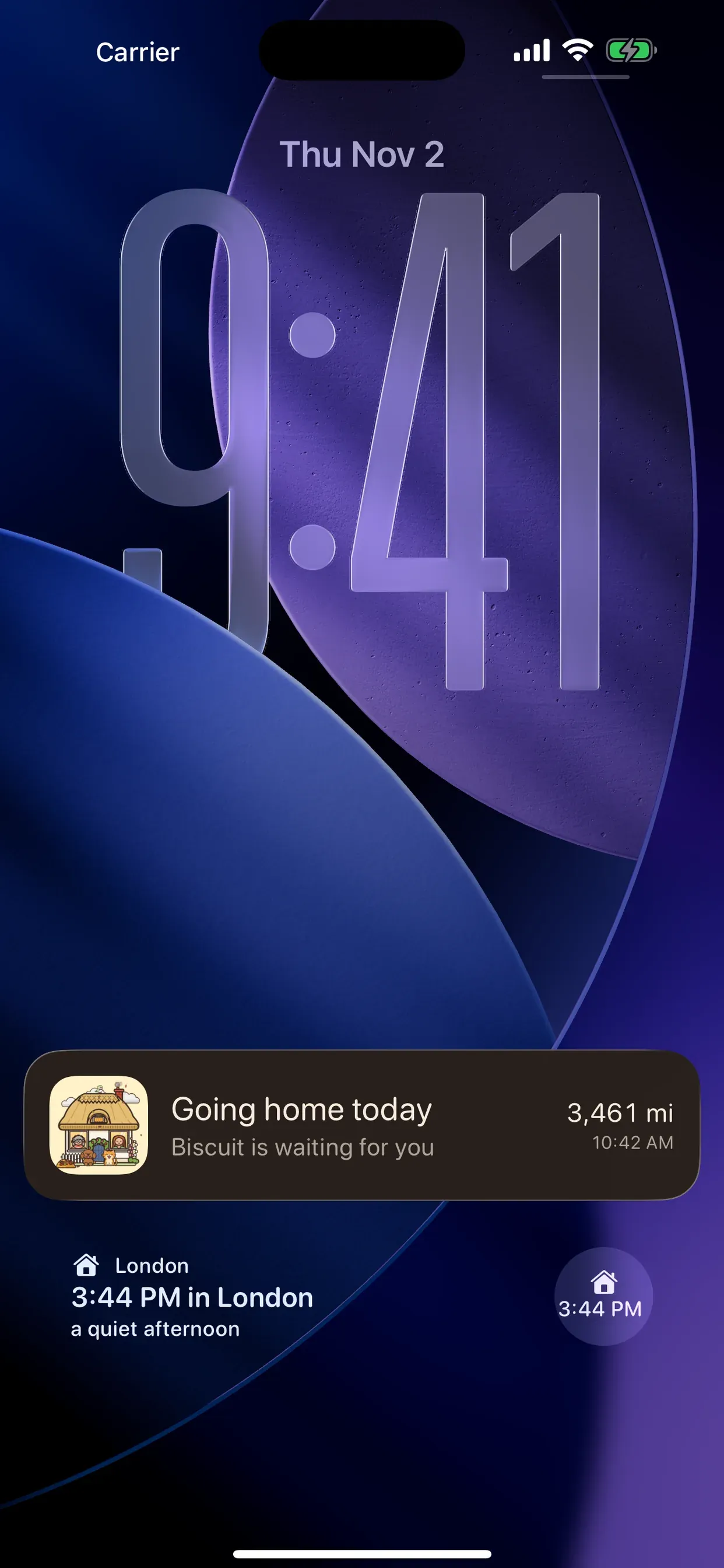
Widgets in every size show the time and weather at home, whether it is a good time to call, and the days until you fly back. On iPhone, Lock Screen widgets and a travel-day Live Activity say “Going home today”.
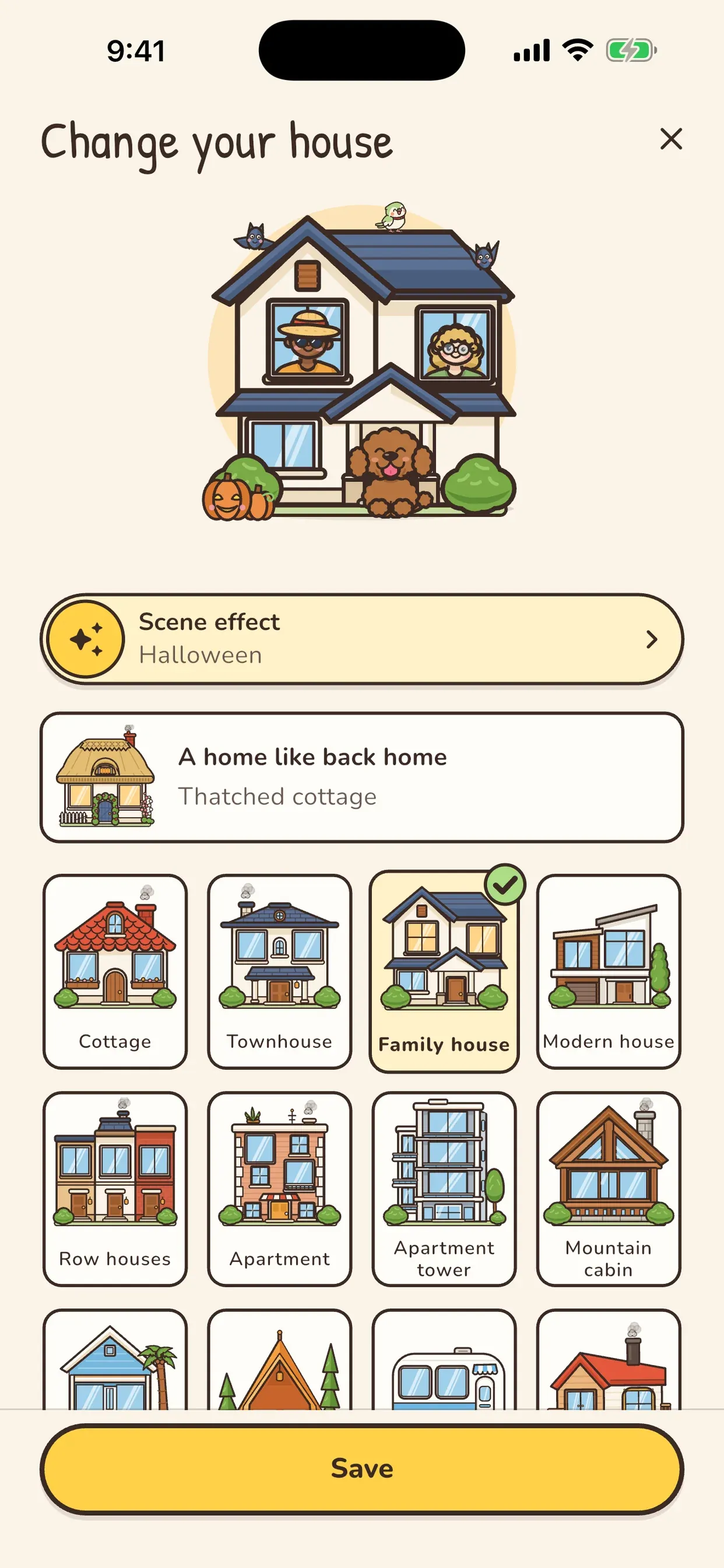
Pick a cottage, a townhouse, a mountain cabin — or, with Plus, a hometown house from 35 countries. Seasons and the holidays you choose dress it up, from Halloween to New Year and Ramadan Feast.
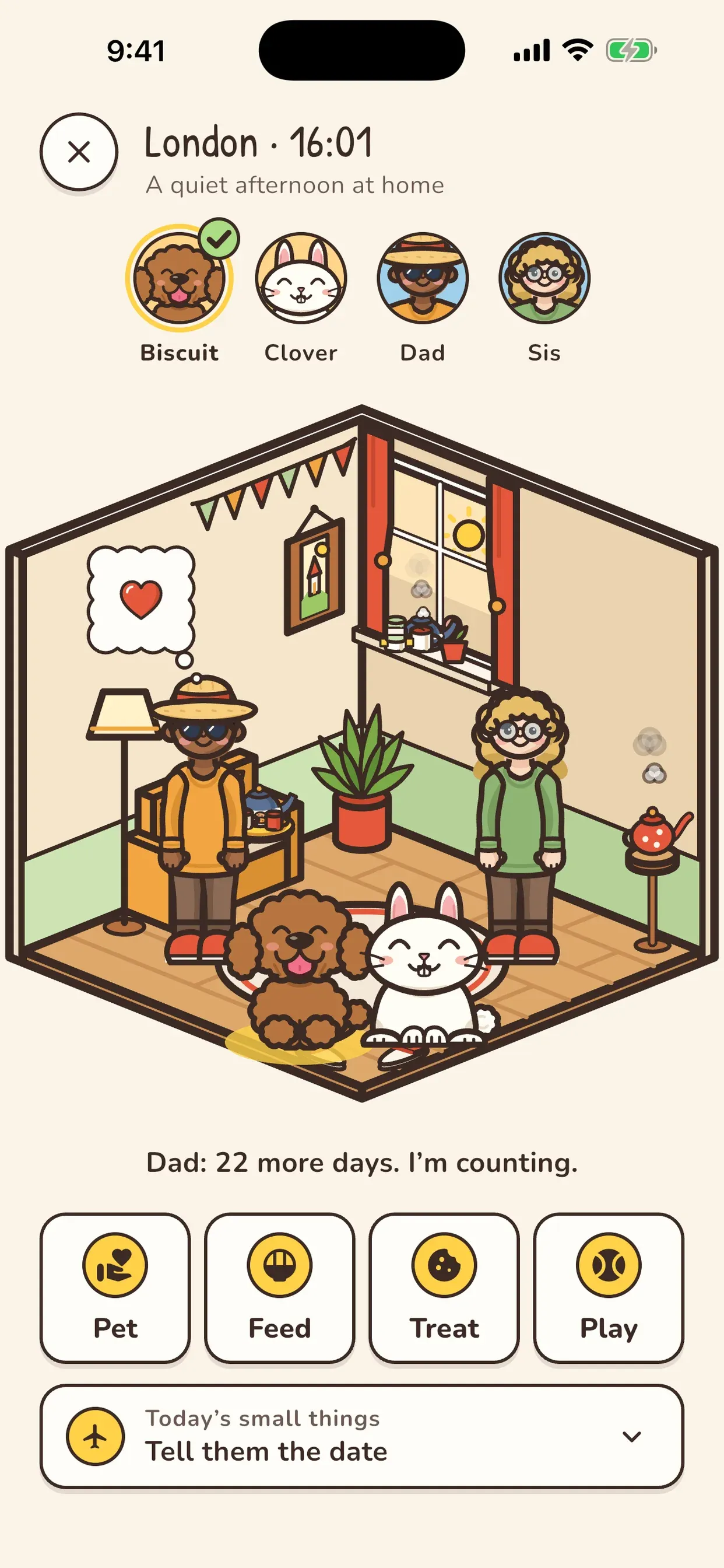
A dog, cat, rabbit, bird or hamster (49 breeds) and up to two people wait inside. Pet, feed and treat them, and pick a small thing to do for the people at home today.
Turn on reminders to call, write or send a photo home, daily or weekly, at an hour that suits both places. Homebird only reminds you — it never calls or sends anything.
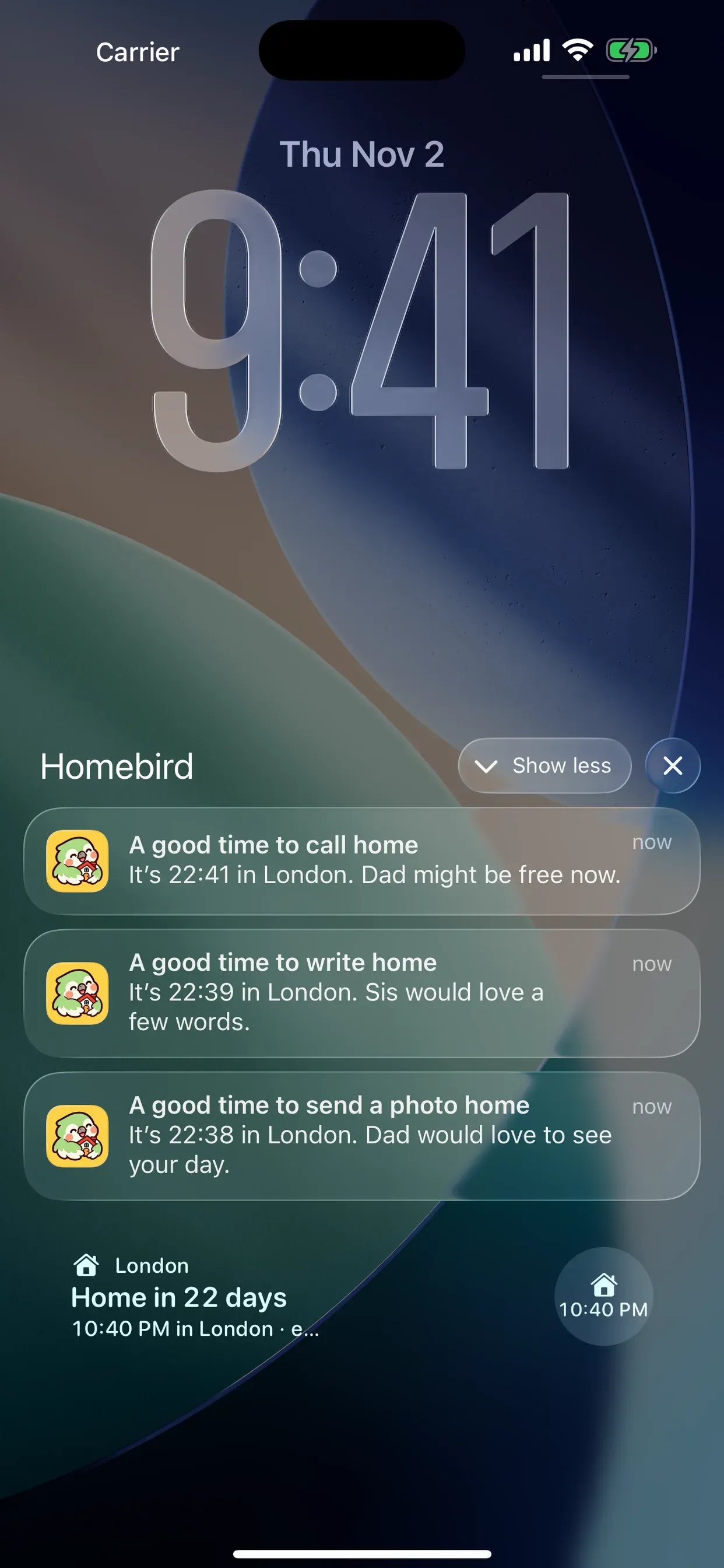
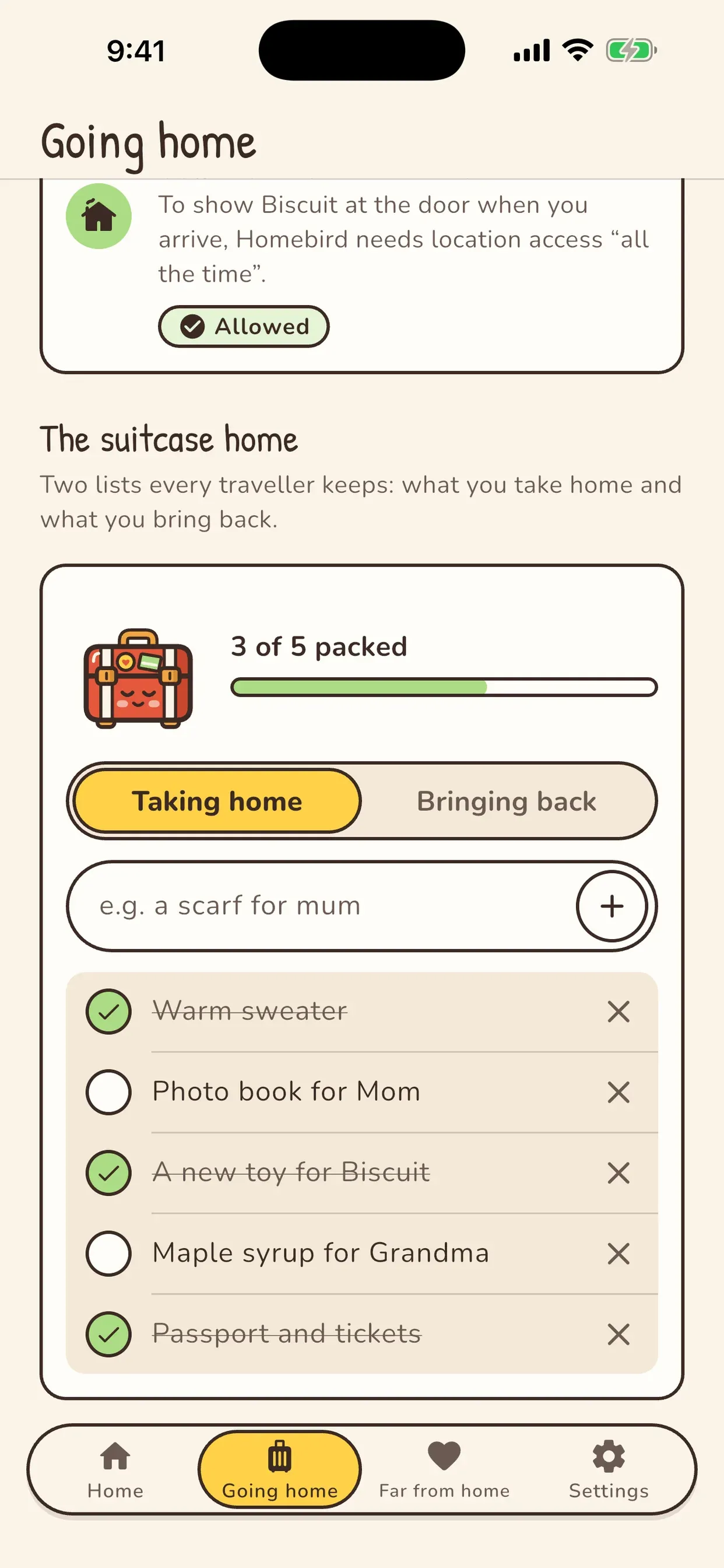
Home, widgets, the house picker, the room, reminders, the suitcase lists and the travel-day Live Activity.
Good to know
Anyone living far from home: expats, international students, and people who moved to another country or city. It shows the time and weather at home, the days until your trip, and who waits for you there.
No. There is no email or password. The app creates an anonymous ID for its security, version and purchase checks; your household, dates, lists and photos stay on your phone.
Location is optional. If you allow it, the distance from home is worked out on your phone and never sent to us. “Always” access is only asked when you add a trip home, to keep the widget distance fresh and tell you when you arrive.
Plus is one lifetime purchase, not a subscription: hometown houses from 35 countries, clocks for loved ones in up to four cities, a second friend at the door, unlimited visits inside, and every look. Everyone also gets two housewarming keys; each unlocks one Plus look for good.
No. Homebird has no ads and no usage analytics. Crash reports go to Firebase, and a Plus purchase record to RevenueCat.

Homebird is free to start: the home clock, the countdown, holidays and two visits inside a day stay free. Homebird Plus is one lifetime purchase — no subscription — for hometown houses, loved ones’ clocks and every look. No ads.
Free on Google Play · Android